14 Products
-
-33%

-
-13%

-
-33%
-
-10%

-

-

-

-

-

-

-

-


show 14 collections
Let customers speak for us
Juan Torres
Differential cover
Best investment i bought and proud to have from SPELAB
Worry-Free Purchase
Sean Rockwood
Great product
Instructions were great, could
Be more detailed but overall great product, install wasn’t bad at all, unfortunately snapped oil dipstick tube following instructions but other than that I would say the plugs in the intake could’ve been put in prior rather than leaving room for install error
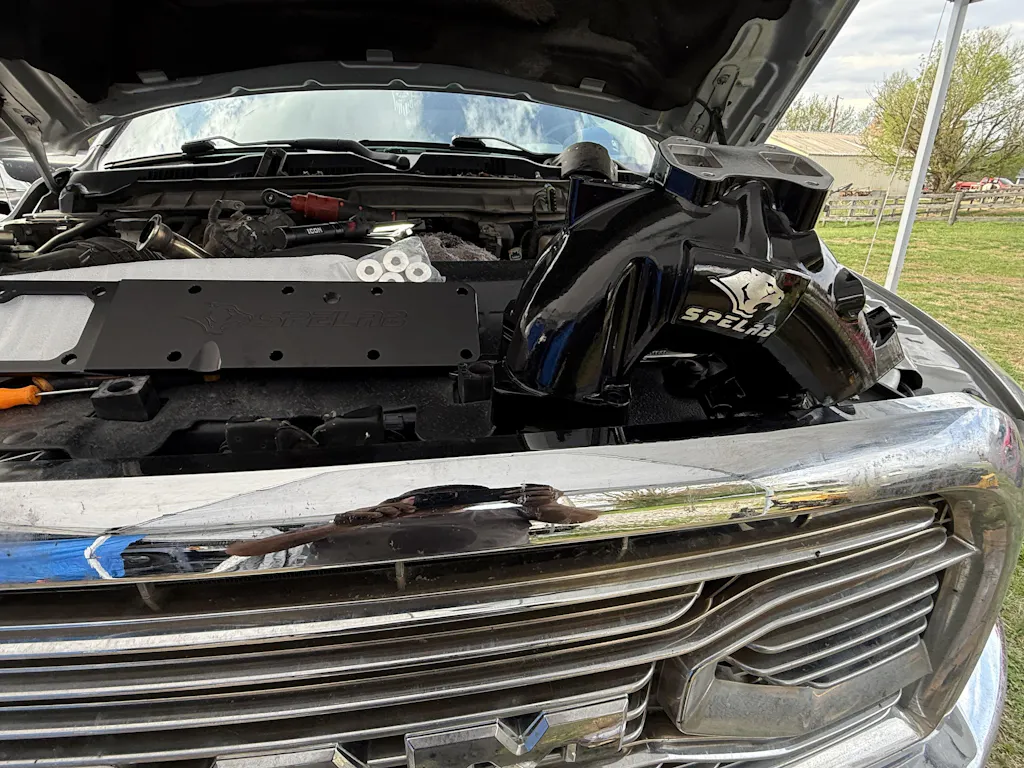
Intake Horn/Manifold Grid Heater for 2007-2024 Dodge Ram 2500/3500 6.7 Diesel | SPELAB
William Simpson
Very nice
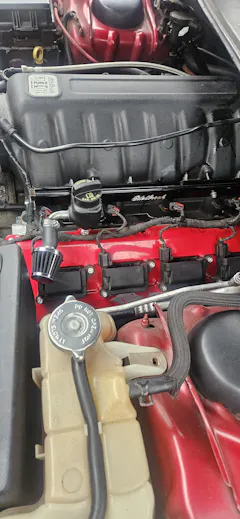
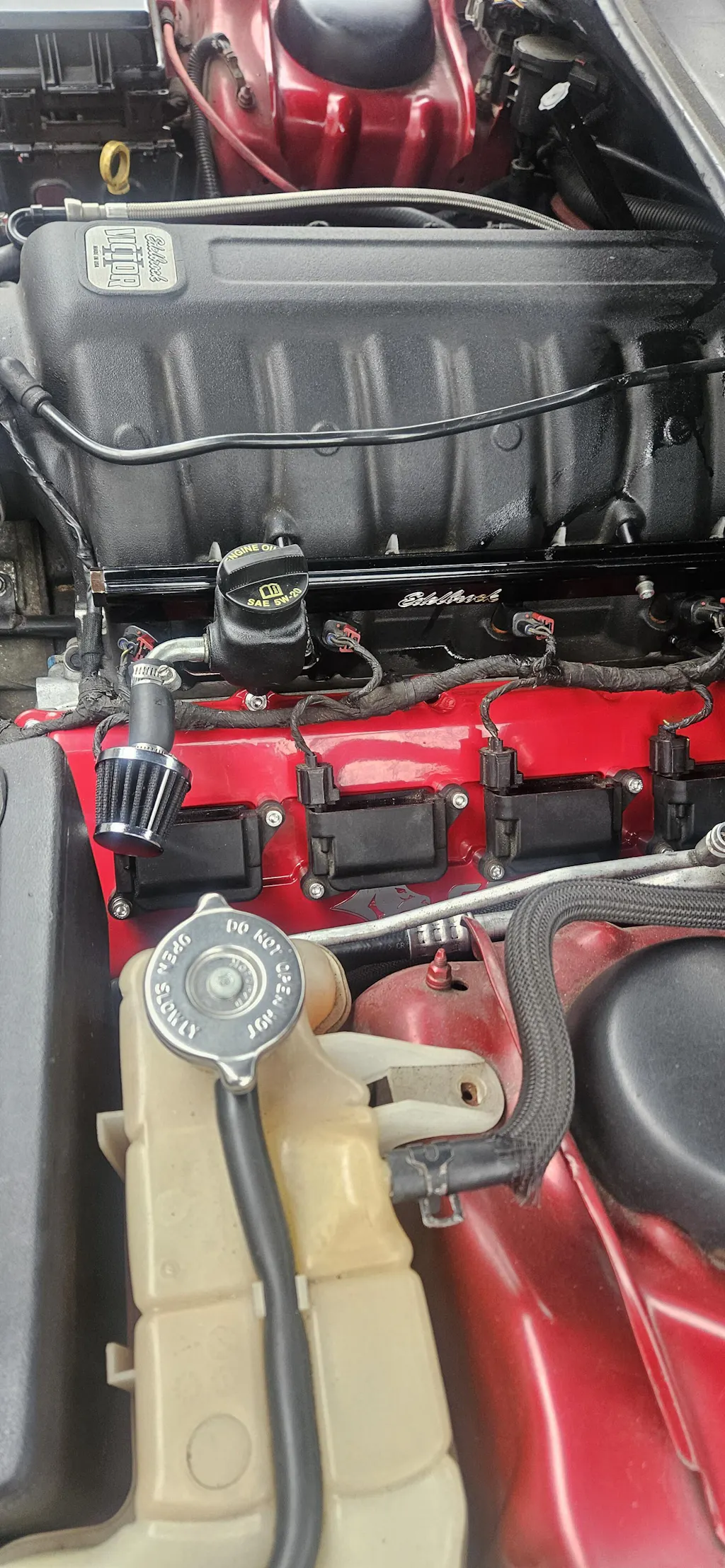
Valve Cover For 2003-2020 5.7/6.1/6.4 Hemi Gen III Engine Cast/Billet Aluminum | SPELAB
L&M Automotive
Good products great
Good products great pricing
SPELAB
Malachi Ottinger
Does exactly what it is made for
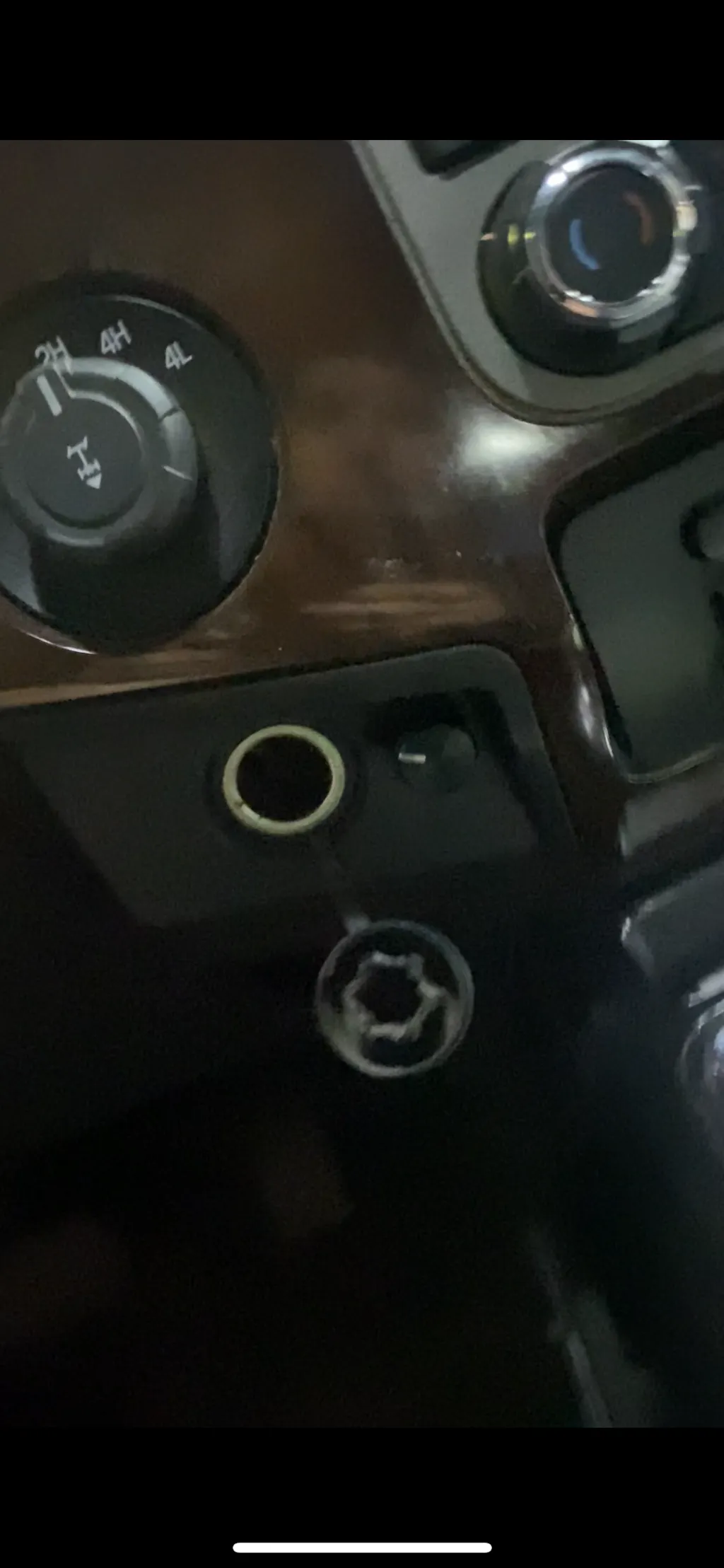
Works great, find out how to wire it on YouTube if you aren’t sure, super easy though only two wires
5-Mode SOTF Switch for 2011-2020 6.7L Powerstroke | SPELAB
CARLTON NEWTON
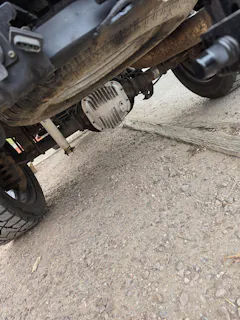
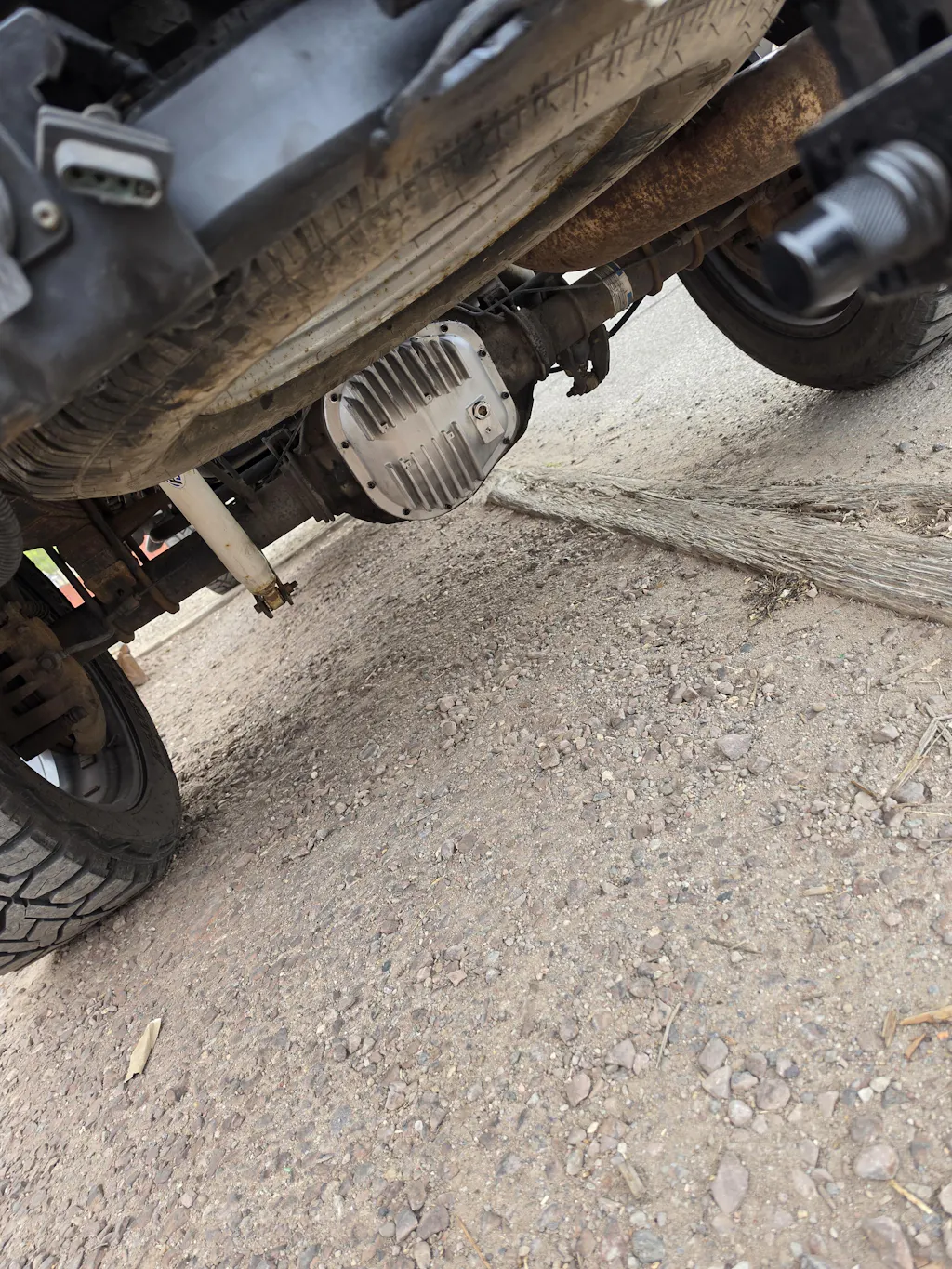
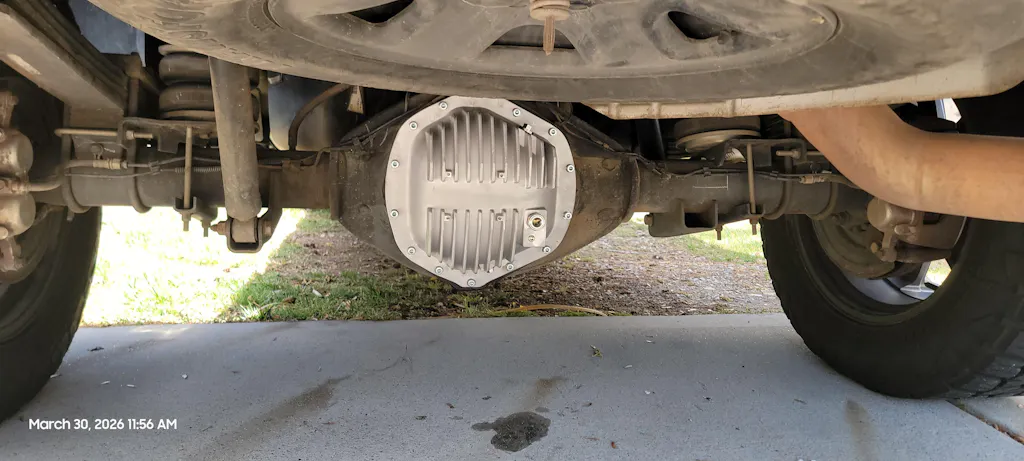
Installed my new rear Diff cover on 2017 ram 3500 diesel!!!
this 2017 3500 Ram with now 111274 miles was used by PO to pull 5th wheel and now it pulls a 30 ft airstream TT.. I change out fluid at 96K with OEM cover and started looking for replacement.. this is great with magnetic drain plugs which is a great help as we change out oil every 35K miles as we tow a lot..
This new alum cover with fins is much like the AAM unit used on teh HO engines from factory with not quite the amount of and placement of fins but in the end this accomplished the goal of keeping the fluid cooler especially when towing.
One thing i did notice was the no actual instruction on what was proper level of oil in sight glass.. Usually on OEM cover you fill till the oil dribbles out the fill plug on cover and that if good..
on this model I noticed the sight glass was lower than the OEM plug determining the level need to be not the middle of the sight glass but at the TOP of the sight glass.. just saying.. the inside has fluid diversion fins so help move the oil to ponion gear and the side bearing on housing..
The fit and finish are great and it looks super cool now in the alum color.. I though about spray painting and sanding the edge of the fins to have that nice contrast but left it silver.
highly recommend and the price is right..
Differential Cover For AAM 11.5"/11.8″ 14 Bolts Rear Axle for 01-19 GM and 03-18 RAM | SPELAB
Ethan Johnson
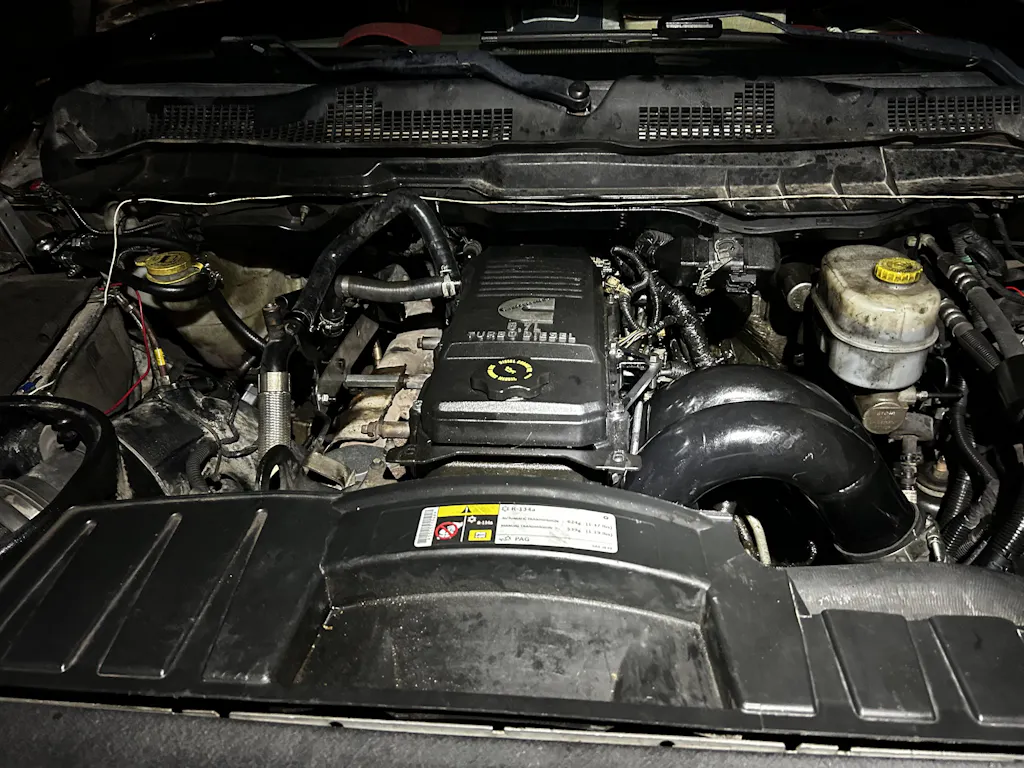
3.5‘’ Intake Manifold with Heating Element for 2007-2024 Dodge Ram 2500/3500 6.7L Diesel
Order came in a few days earlier than the expected delivery day pretty easy install it makes the engine may look a lot better
3.5‘’ Intake Manifold with Heating Element for 2007-2024 Dodge Ram 2500/3500 6.7L Diesel | SPELAB
Roberto Taylor
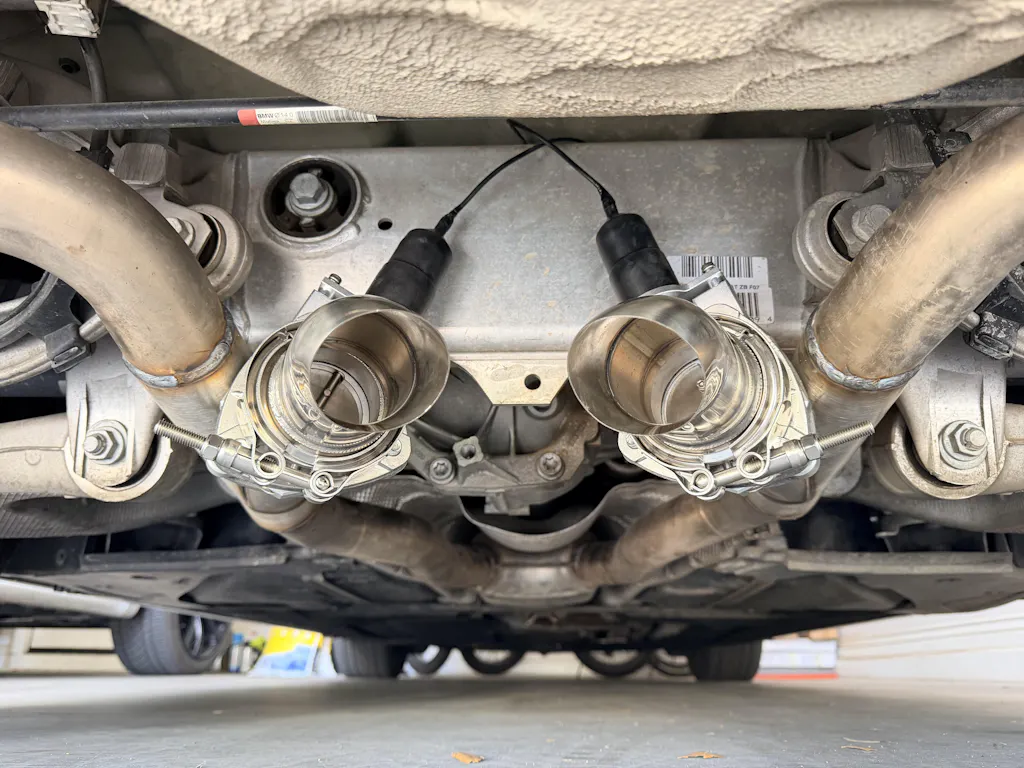
Fantastic Electric Cutous
I purchased a pair of Spelab Electric Cutouts for my BMW. Everything in the kit was shipped quickly, was perfectly packaged and the quality of their product is top notch. I installed the cutouts and I couldn't happier with the way they work. I was even able to pair the remote to the Homelink buttons to open and close the valves.
Worry-Free Purchase
Bailey Bracewell
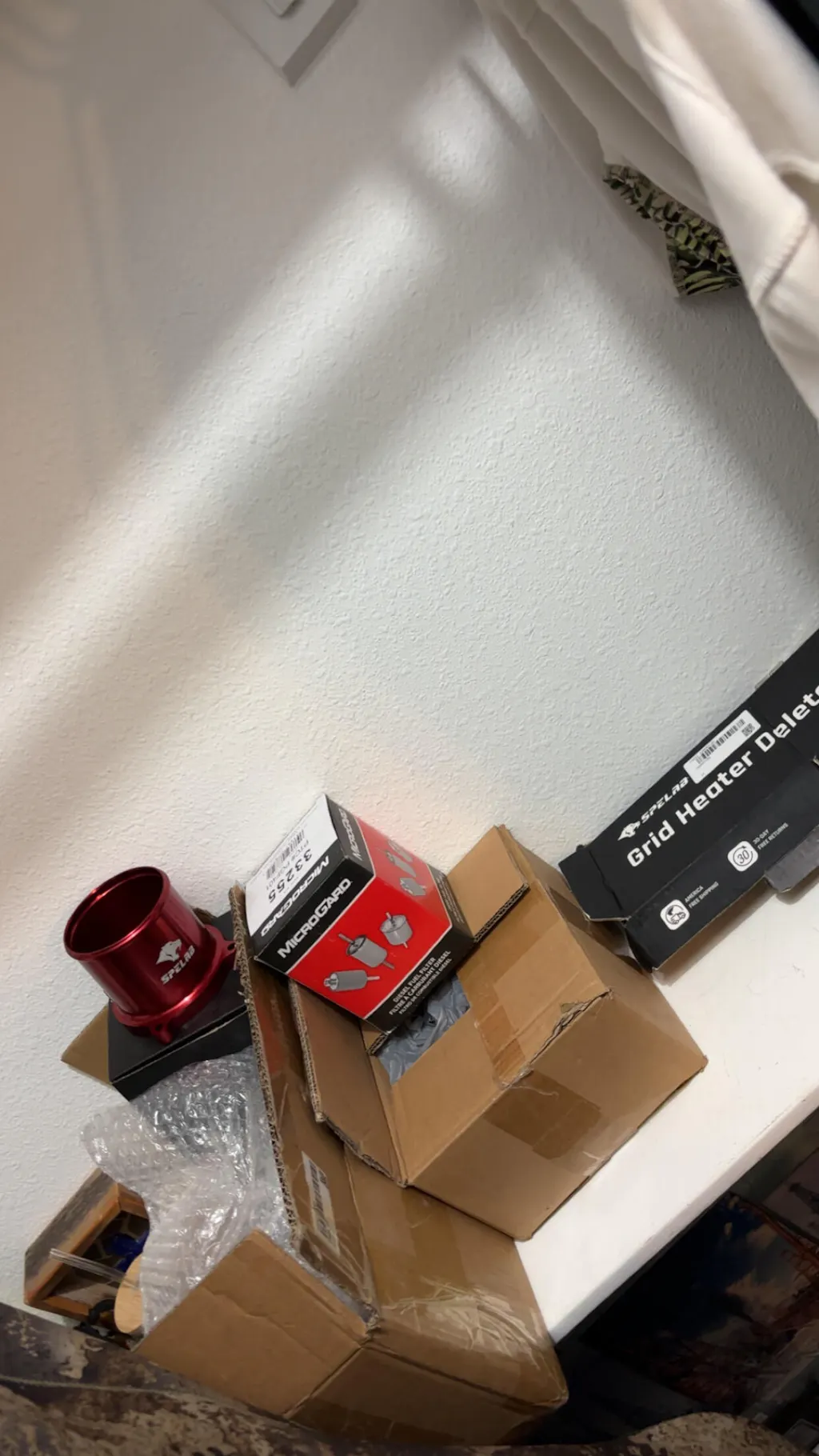
Hoping to gain a sponsorship soon I use yalls
Hoping to gain a sponsorship soon I use yalls parts on my personal build and customers builds
SPELAB
CYNDE ASHCRAFT
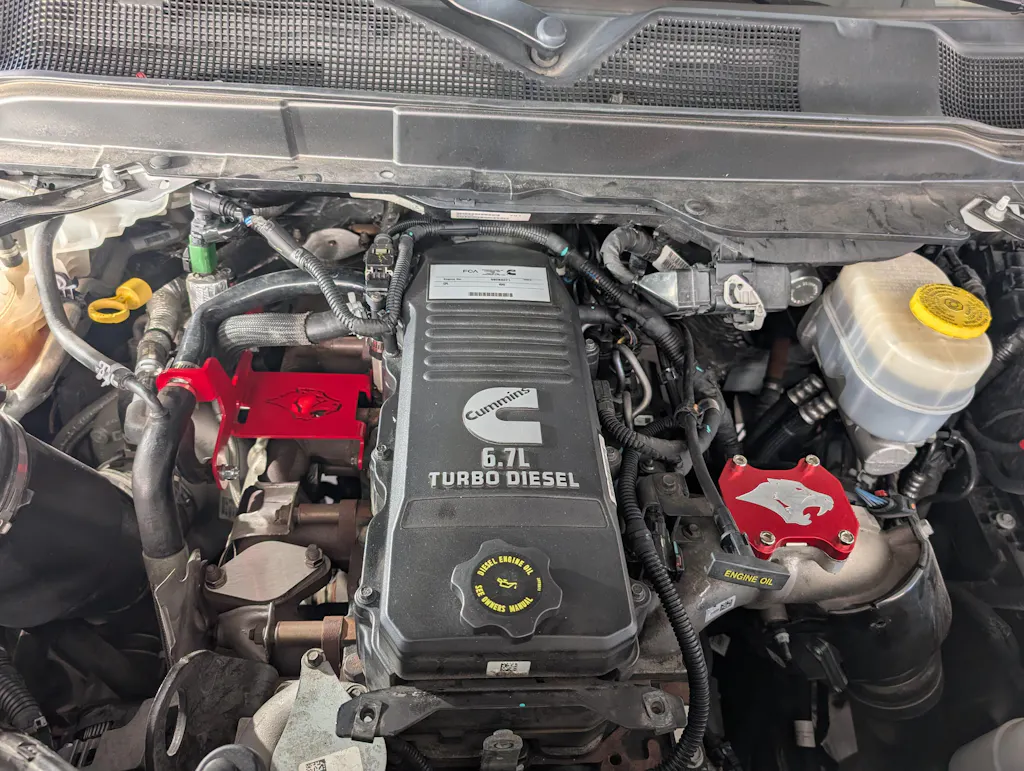
Egr delete kit
Very good quality kit and was easy to install!! I highly recommend it!!
SPELAB EGR Delete Kit For 2010-2025 Dodge Ram 2500 3500 6.7L Diesel
Mo
2024 Ram 3500 Tradesmen 6.7 H.O. Cummins
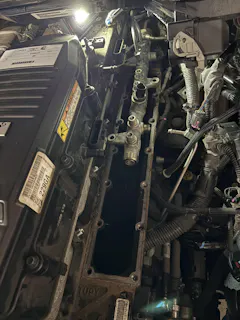
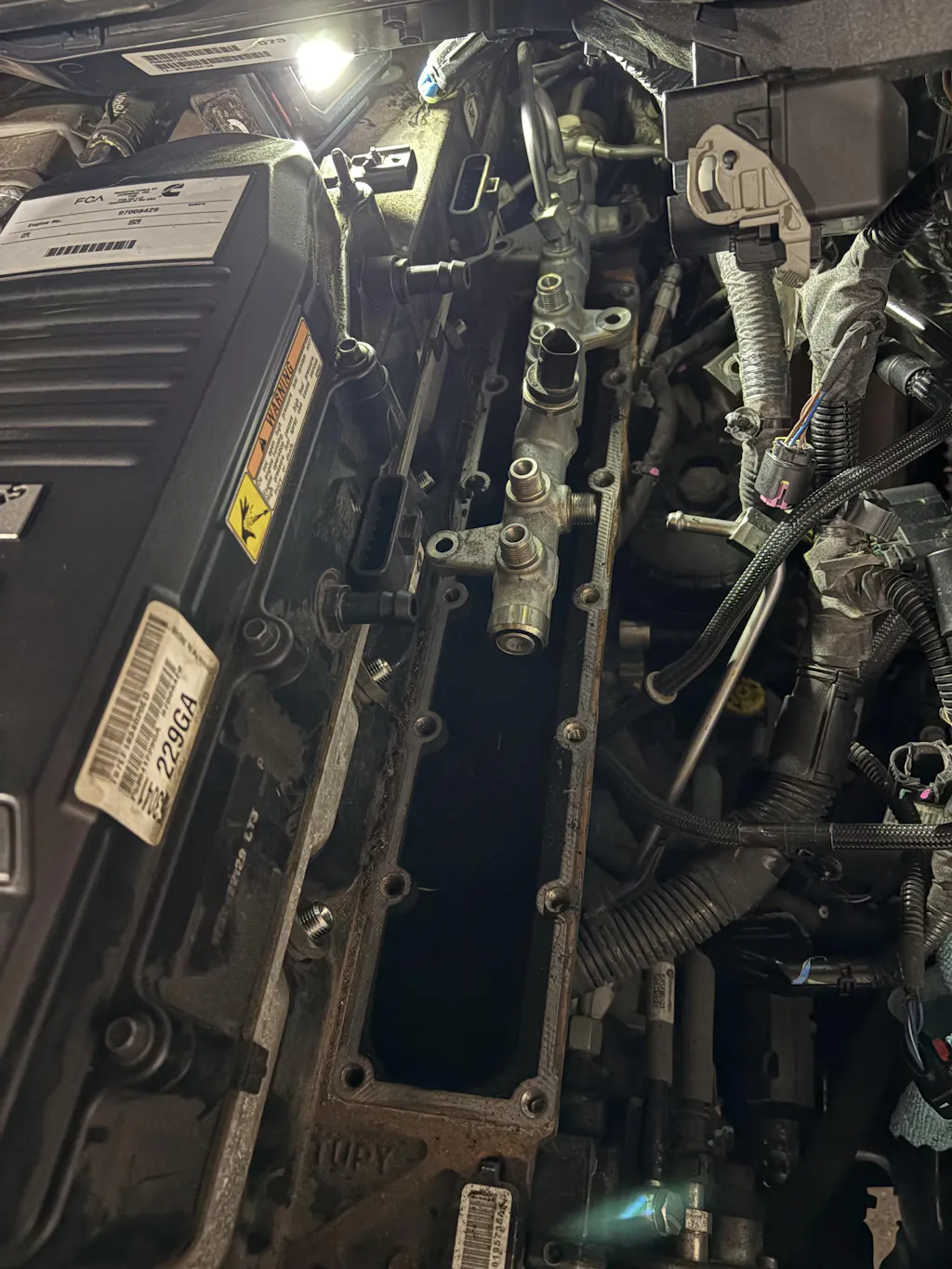
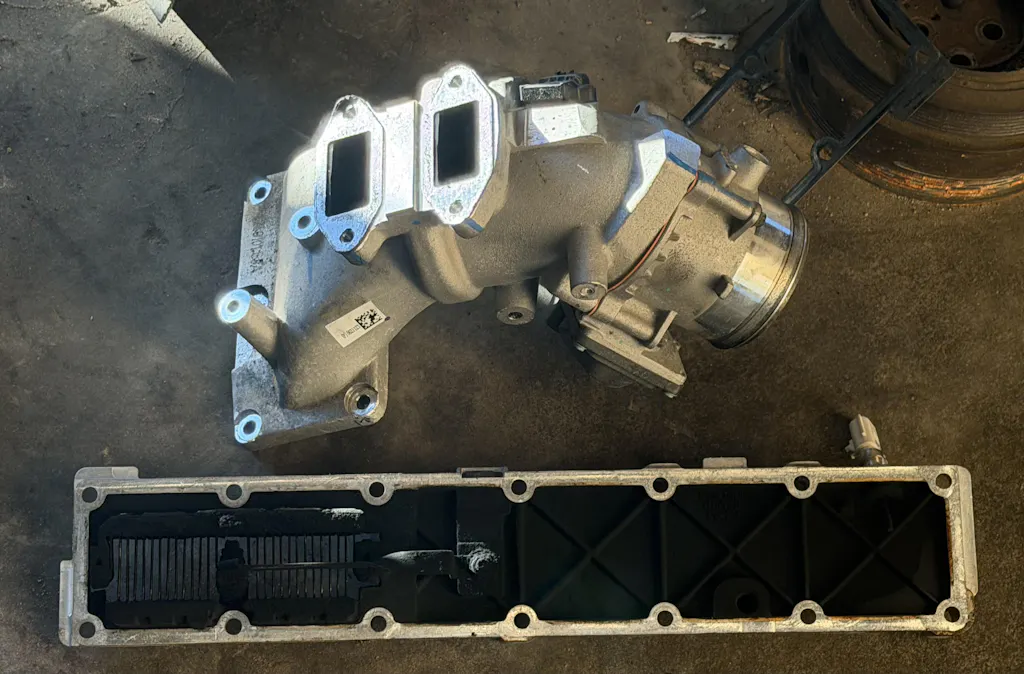
Excellent quality product that definitely delivers a difference in throttle response. You can tell that the engine is breathing much better. I highly recommend this to everyone out there. Shipping was fast too!! And to top it off, the dreaded engine killing grid heater plate is gone for good! Look how bad the grid heater was after only 46,000 mi. You can barely see thru the grids. Ridiculous design by Cummins/Ram. They should be ashamed for putting that piece of junk on such a good engine. Next up, turbo tubes!
Intake Horn/Manifold Grid Heater for 2007-2024 Dodge Ram 2500/3500 6.7 Diesel | SPELAB
Brian R
Fit well sounds great
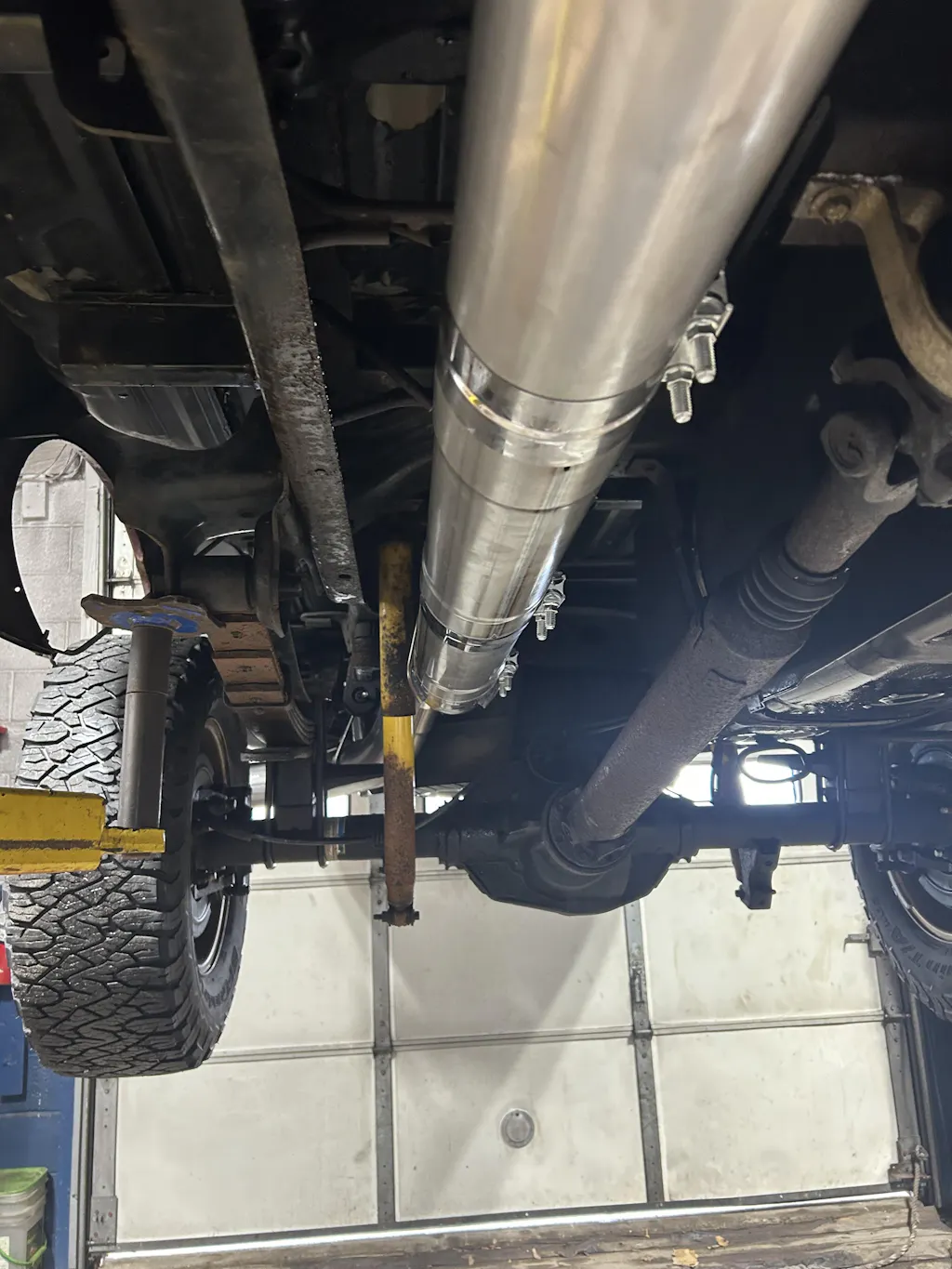
Fit my 08 6.4 extended cab just fine. Sounds great with a 5x7 tip
4‘’/5'' 2008-2010 Ford 6.4 Powerstroke Cat & DPF Delete Race Pipe | SPELAB
Josmian Sosa
Awesome products
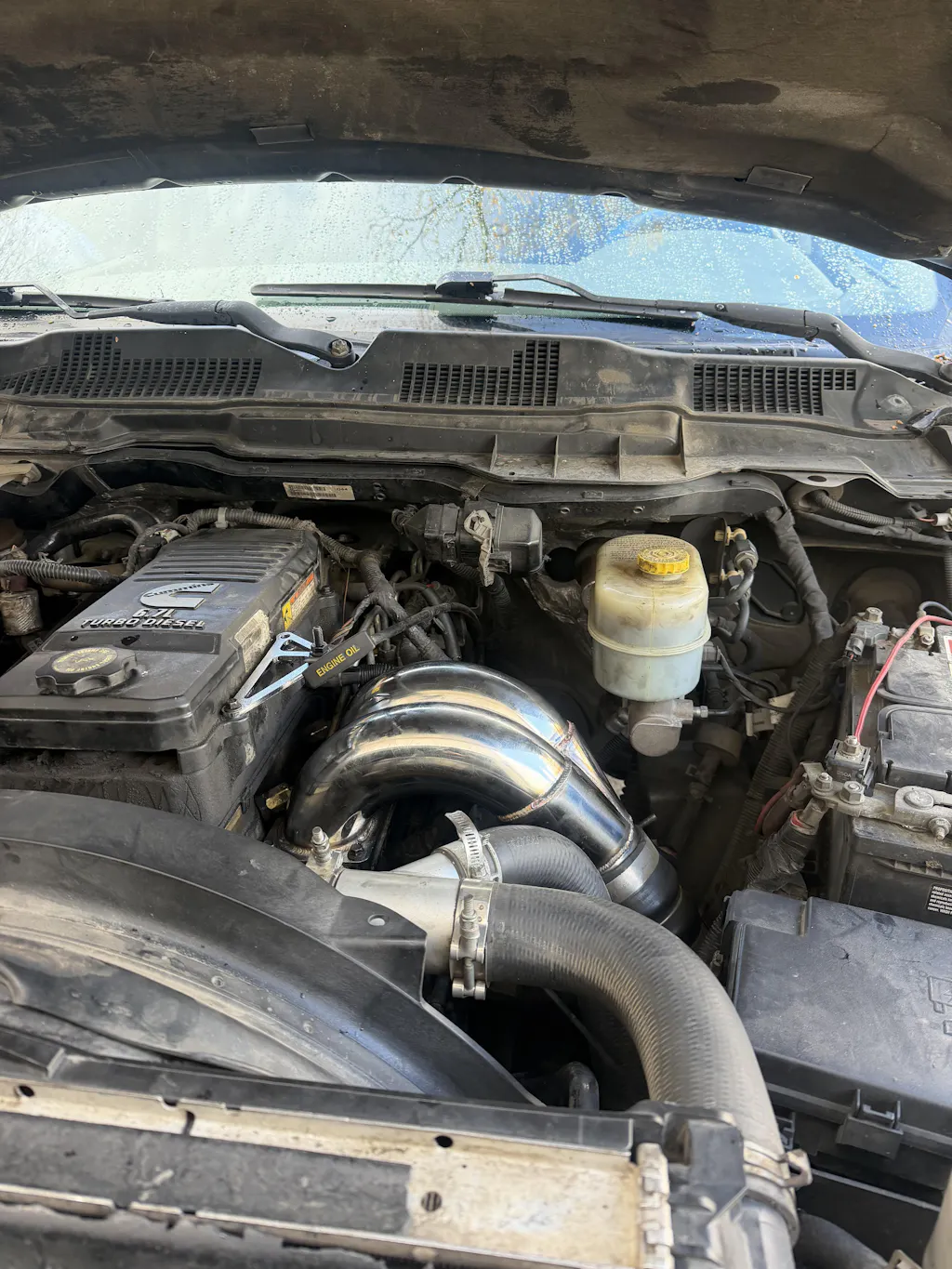
I have always used there products and customers always are happy
EGR/DPF/DEF Delete for 2013-2018 Dodge Ram 6.7L Diesel 2500 3500 All-in-One Kit | SPELAB
Bobby Baker
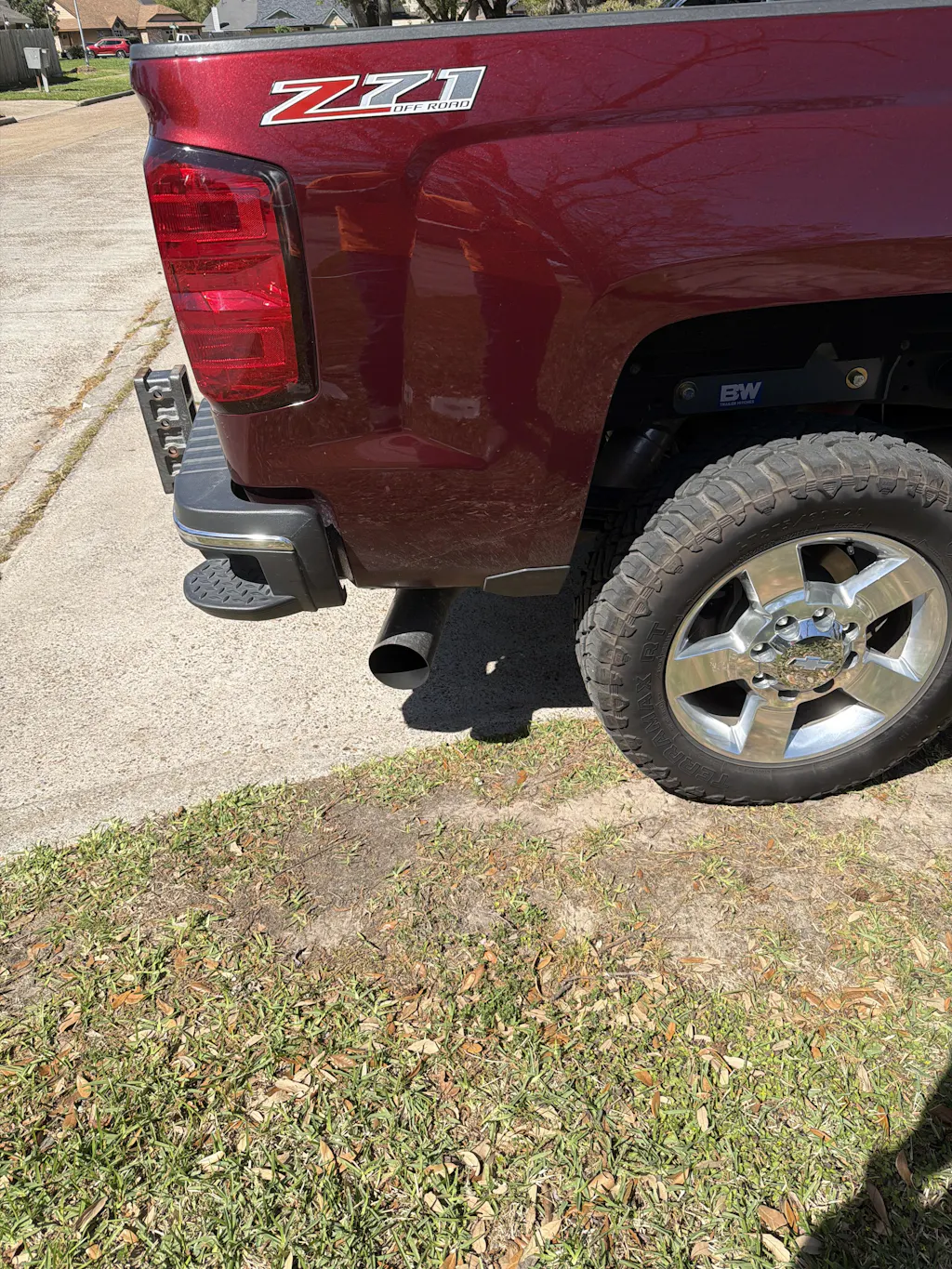
2016 Duramax 5” exhaust from down pipe/back
Was on the fence between the 4 or 5…but definitely glad I went with the 5! Fits perfect and sounds amazing!!
5" Downpipe-Back 2015.5-2016 LML 6.6 Duramax DPF Delete Race Pipe | SPELAB
Aaron Cowgill
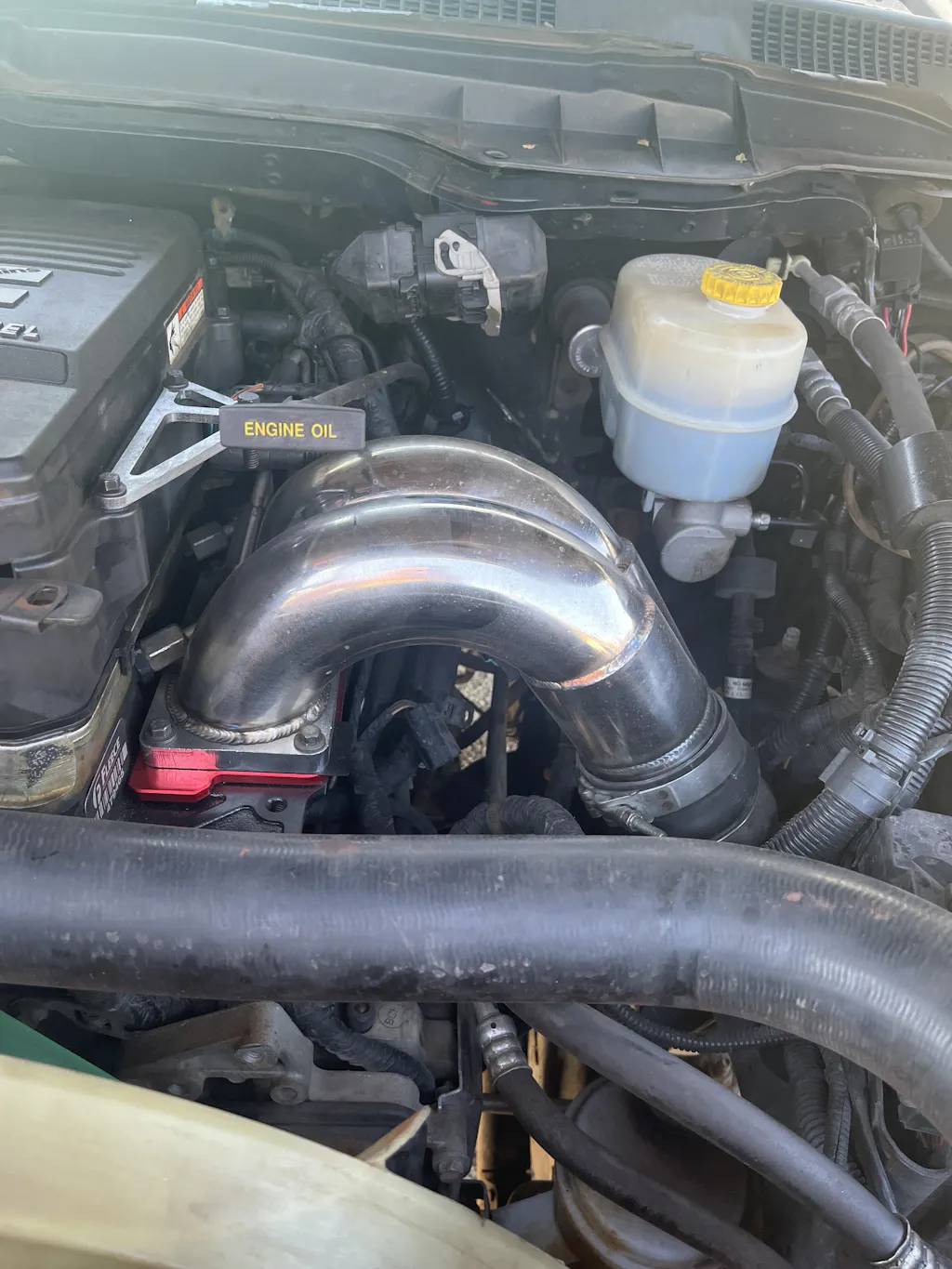
Intake horn
Wow. That says it all. Fast shipping, looks great big thing is what a difference it makes from stock things just act different with the more air flow.
Worry-Free Purchase